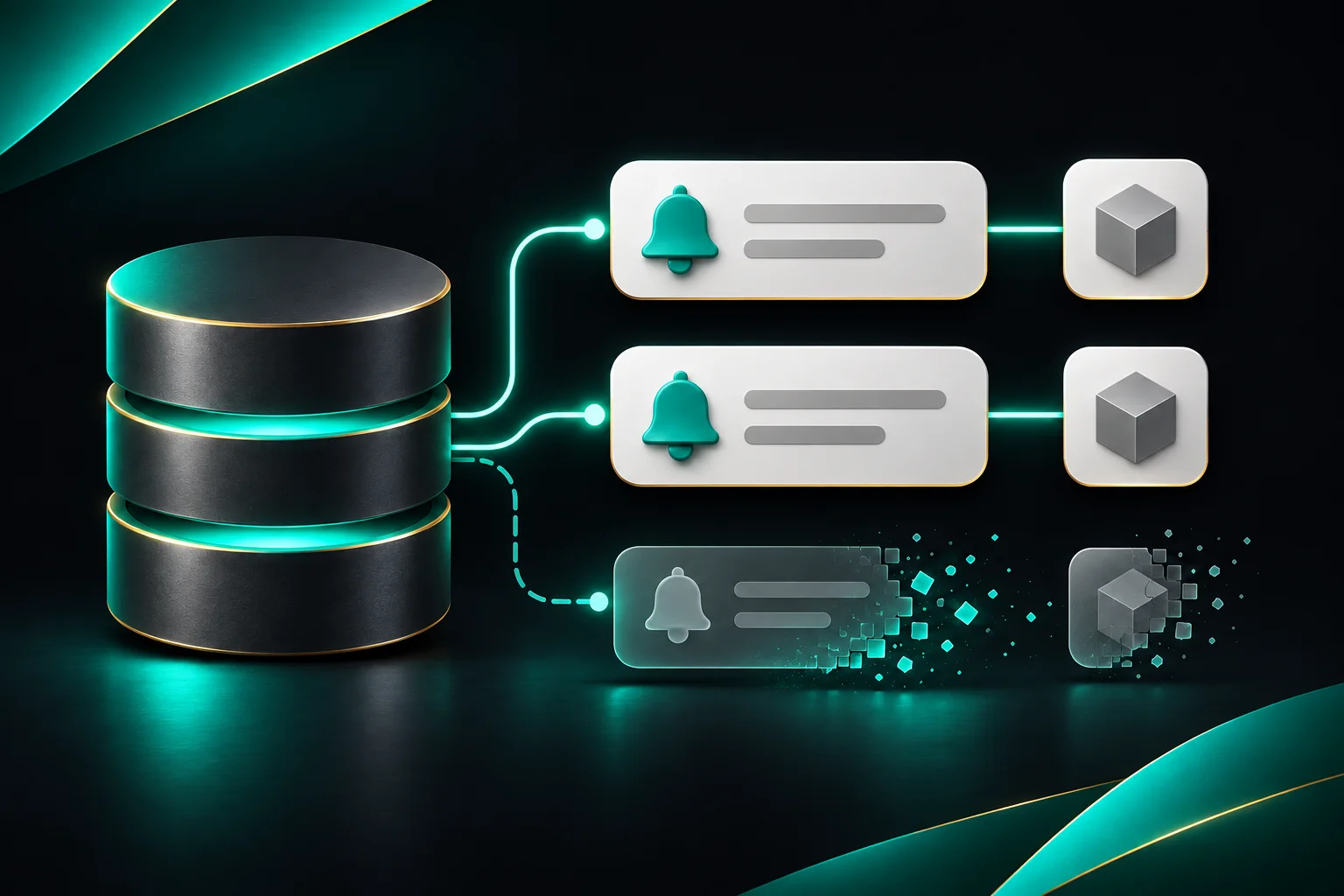
How to Remove Stale Database Notifications in Laravel
Learn how to clean up Laravel database notifications when an order or comment is deleted, from a simple Eloquent observer to explicit model dependencies.
On this page
An order owner gets a notification about a new comment. Before they open it, a moderator deletes the comment. The unread badge still counts the notification, and the link now points to something the user can no longer open.
Laravel stores database notifications for the recipient, with a type and a JSON payload. Putting an order ID or a comment ID in that payload gives your UI somewhere to link, but the cleanup rule still belongs to your application. Laravel database notifications
Quick Answer
For one notification type tied to one model, an Eloquent observer can delete matching rows from
notifications. When an inbox item depends on several models, track those links explicitly so deleting any required model removes the notification.
This guide assumes Laravel 13, an existing Order and Comment model, and a User that receives database notifications. The example uses integer keys and assumes each comment belongs to an order.
#Decide What Makes the Notification Obsolete
Imagine an inbox item that opens a specific comment within an order. The order and comment are both required to make that action meaningful.
| What happens | What the inbox should do |
|---|---|
| The comment is edited | Keep the notification |
| The comment is deleted | Remove the notification |
| The order is deleted | Remove the notification |
| The user marks the notification as read | Keep it until the order or comment is deleted |
Apply this rule to actionable inbox items. If the same event also appears in an audit trail, keep that history according to its own retention policy.
#Start with an Eloquent Observer
If comment removal is your only cleanup case, an observer and a stable payload are enough. Start with this notification class.
1<?php 2 3namespace App\Notifications; 4 5use Illuminate\Notifications\Notification; 6 7class OrderCommented extends Notification 8{ 9 public function __construct(10 private int $orderId,11 private int $commentId,12 ) {}13 14 public function via(object $notifiable): array15 {16 return ['database'];17 }18 19 public function databaseType(object $notifiable): string20 {21 return 'order-commented';22 }23 24 public function toDatabase(object $notifiable): array25 {26 return [27 'order_id' => $this->orderId,28 'comment_id' => $this->commentId,29 ];30 }31}Register the observer in your existing AppServiceProvider::boot() with Comment::observe(CommentObserver::class). Import App\Models\Comment and App\Observers\CommentObserver in the provider.
1<?php 2 3namespace App\Observers; 4 5use App\Models\Comment; 6use Illuminate\Notifications\DatabaseNotification; 7 8class CommentObserver 9{10 public function deleted(Comment $comment): void11 {12 DatabaseNotification::query()13 ->where('type', 'order-commented')14 ->where('data->comment_id', (int) $comment->getKey())15 ->delete();16 }17}The type scopes cleanup to the inbox item you intended. Keep the ID's JSON representation consistent between the writer and the query. Send the notification with $user->notify(new OrderCommented($order->getKey(), $comment->getKey())).
You can extend this approach with an order observer that matches data->order_id. The maintenance cost appears when more notification types and models get involved. Each deletion path needs to know which notification types to match and where those types put IDs in their payload. If deleting the order cascades to its comments at the database level, the comment observer won't run. The order observer can still handle the order deletion itself when it goes through Eloquent. Eloquent events
#Give the Notification Explicit Dependencies
Pharaonic Laravel Notification Dependencies moves the cleanup rule to the notification. The JSON payload can keep serving the inbox UI while the package tracks the models required for the notification to remain useful.
If the app has no notifications table or migration for it, create and run Laravel's migration first. If the migration already exists, run it before installing the package.
1php artisan make:notifications-table2php artisan migrateThen install the Laravel 13 release line and run its migration. The package supports PHP 8.3, 8.4, and 8.5 on this line.
1composer require 'pharaonic/laravel-notification-dependencies:^13.0'2php artisan migrateAdd the HasDependentNotifications trait to both existing models and HasDependencies to OrderCommented. These are the imports and trait declarations to add inside the respective files.
| Existing classes | Import | Add inside the class |
|---|---|---|
Order and Comment | Pharaonic\Laravel\NotificationDependencies\Concerns\HasDependentNotifications | use HasDependentNotifications; |
OrderCommented | Pharaonic\Laravel\NotificationDependencies\Concerns\HasDependencies | use HasDependencies; |
Once you've switched this notification type over, you can remove its cleanup from the manual observer after deciding how to handle rows created before the change. Keep the notification's existing constructor, channel, type, and payload.
1$user->notify(2 (new OrderCommented($order->getKey(), $comment->getKey()))3 ->dependsOn($order, $comment),4);The two models must already be saved. The package records one link for each model in notification_dependencies. Deleting the comment through Eloquent removes the notification and its links, even though the order still exists. Deleting the order first has the same effect. The existing notification payload stays available through $user->notifications() until the row is removed. Package source and documentation
#Put Dependencies in the Class When They Always Apply
At the call site, dependsOn() makes sense when the caller decides which models matter. Every OrderCommented notification in this example requires both models, so putting that rule in the constructor makes it harder for a second caller to forget one.
Replace the promoted properties and constructor in the example notification with the following. Import App\Models\Order and App\Models\Comment, and keep the rest of the class as it is.
1private int $orderId; 2 3private int $commentId; 4 5public function __construct(Order $order, Comment $comment) 6{ 7 $this->orderId = (int) $order->getKey(); 8 $this->commentId = (int) $comment->getKey(); 9 10 $this->dependsOn($order, $comment);11}Now the send call is $user->notify(new OrderCommented($order, $comment)). A caller can still chain dependsOn() to add another saved model when that particular notification needs one. The trait also supports a dependencies(): array method if the notification already holds the models and needs to declare them when the database channel stores the row.
#Check Both Deletion Paths
Use the real database channel for this check. A notification fake can confirm that you called notify(), but the behavior you want to verify is the lifecycle of the stored row.
Run this smoke check on disposable fixtures. Assume $user is a fresh recipient and $firstComment and $secondComment are saved comments on separate saved orders.
1$user->notify(new OrderCommented($firstOrder, $firstComment)); 2$user->notify(new OrderCommented($secondOrder, $secondComment)); 3 4$before = $user->notifications()->where('type', 'order-commented')->count(); 5// 2 6 7$firstComment->delete(); 8 9$afterCommentDelete = $user->notifications()->where('type', 'order-commented')->count();10// 111 12$secondOrder->delete();13 14$afterOrderDelete = $user->notifications()->where('type', 'order-commented')->count();15// 0The middle count matters. It confirms that deleting one comment leaves the other order's notification alone.
#Where Cleanup Can Surprise You
| Scenario | What to expect |
|---|---|
| Soft delete | The package removes dependent notifications by default. Restoring the model leaves the removed notifications gone. Set delete_on_soft_delete to false in the published configuration to keep them until force deletion. |
| Mass delete or database cascade | A query such as Comment::where(...)->delete() skips per-model events. If an order is deleted through Eloquent and the notification also depends on that order, the order event still handles cleanup. For a bulk job that needs comment-level cleanup, delete model instances in batches. |
| Dependency deleted while a job is queued | With constructor-level dependsOn() and a scalar payload, the worker can build the row and the package removes it when it sees the missing dependency. If the job separately serializes a model that has since disappeared, Laravel can fail to restore it before the database channel runs. |
| Notifications already stored before installation | They have no dependency links. Decide whether to let them age out, clean them up separately, or backfill links from payloads you trust. |
For applications with a database per tenant, review the package's connection constraints before adopting it. Dependency links identify a model by morph type and key, so the same type and key reused on separate connections can share links. Package cleanup and connection limits
To change the soft-delete behavior, publish the configuration:
1php artisan vendor:publish --tag=notification-dependencies-configThen set delete_on_soft_delete in config/pharaonic/notification-dependencies.php to false.
#When Is the Observer Enough?
Keep the observer if you have one notification type and one deletion rule you can express in a small query. Use explicit dependencies when several records can independently invalidate the same inbox item or when multiple notification types would otherwise repeat the same cleanup logic.
Start with one inbox action and ask which records must still exist when someone opens it. For the order-comment example, the answer is the order and the comment. That gives you the dependency list and the two deletion paths to test.
Related Packages
Related Guides
Laravel Dynamic Configuration Without Redeploys: A Multi-Tenant Guide
Persist Laravel config overrides in the database, layer global and tenant scopes, and handle runtime loading, caching, and queues without redeploying.
How to Run One-Time and Repeatable Tasks After Laravel Deployment
Run Laravel deployment tasks once or on every deploy, track execution, coordinate servers, and understand queued jobs and rollback with practical examples.
How to Use Tagify with Livewire 4 Without Manual Synchronization
Integrate Tagify with Livewire 4, keep client and server state synchronized, and replace fragile lifecycle code with a focused integration.