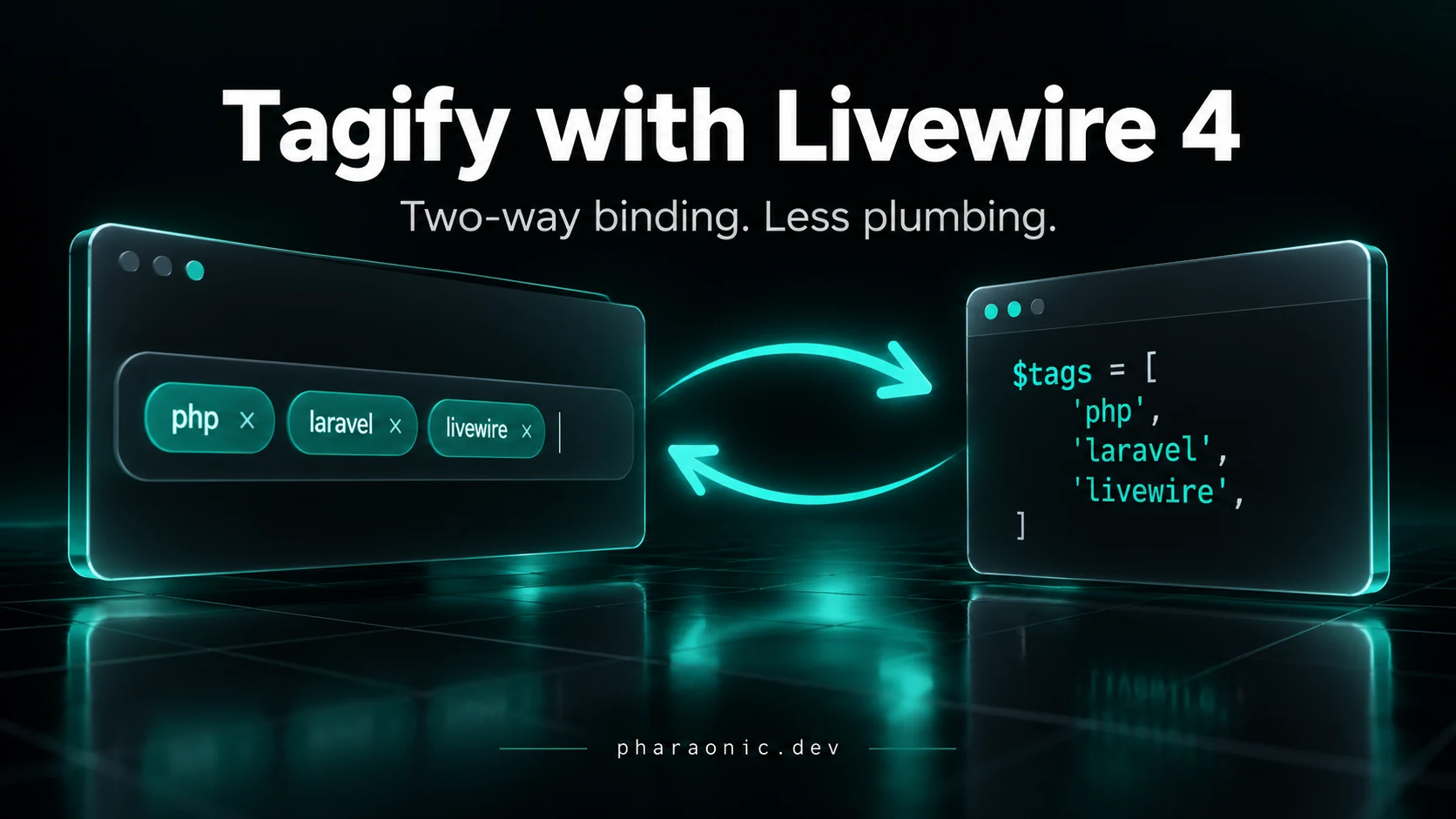
How to Use Tagify with Livewire 4 Without Manual Synchronization
Integrate Tagify with Livewire 4, keep client and server state synchronized, and replace fragile lifecycle code with a focused integration.
On this page
Adding a tag works. Then you clear the field on the server—and the old tags stay on screen.
That is the integration problem: Tagify owns the widget; Livewire owns the data. Initializing the input connects neither direction automatically. Let's build that connection, then see what Pharaonic Livewire Tagify removes from your application code.
Quick Answer:
wire:ignoreprotects Tagify's markup, but you still need two-way value synchronization and cleanup. Pharaonic Livewire Tagify handles those jobs throughwire:model, withdata-directfor plain arrays.
#Start with One Skills Field
Assume an existing Laravel application with Livewire 4.3.4 or later in the 4.x line, the minimum required by the package below.
Install Tagify:
1npm install @yaireo/tagifyIn resources/js/app.js:
1import Tagify from '@yaireo/tagify'2import '@yaireo/tagify/dist/tagify.css'3 4window.Tagify = TagifyLoad this entry with @vite('resources/js/app.js') in your layout. Run npm run dev locally or npm run build for deployment. Load Livewire once; it already includes Alpine.
Use this component in app/Livewire/ProfileForm.php:
1<?php 2 3namespace App\Livewire; 4 5use Illuminate\Contracts\View\View; 6use Livewire\Component; 7 8class ProfileForm extends Component 9{10 public array $skills = ['php'];11 12 public function clearSkills(): void13 {14 $this->skills = [];15 }16 17 public function render(): View18 {19 return view('livewire.profile-form');20 }21}The goal is simple: show php initially, accept new tags, and clear the widget when clearSkills() runs.
#Protecting the DOM Is Only Half the Job
Tagify creates markup around the original input. Wrapping it in wire:ignore prevents Livewire from morphing that markup.
But an ignored field does not receive new values from Blade after each request. You still need:
- Widget → Livewire: convert tag objects into the array your component expects.
- Livewire → widget: display the initial value and later server changes.
- Cleanup: remove the watcher and destroy Tagify when the field disappears.
A change listener alone covers only the first direction.
#The Manual Solution
Add this helper to app.js, after the imports and before Livewire starts Alpine:
1document.addEventListener('alpine:init', () => { 2 Alpine.data('manualTagify', (property) => { 3 let tagify 4 let stopWatching 5 6 const values = () => tagify.getCleanValue().map(tag => tag.value) 7 const same = (a, b) => JSON.stringify(a) === JSON.stringify(b) 8 9 const display = (value) => {10 const next = value ?? []11 12 if (!same(values(), next)) {13 tagify.loadOriginalValues(JSON.stringify(14 next.map(value => ({ value }))15 ))16 }17 }18 19 return {20 init() {21 tagify = new window.Tagify(this.$refs.input)22 display(this.$wire.$get(property))23 24 tagify.on('change', () => {25 const next = values()26 27 if (!same(next, this.$wire.$get(property))) {28 this.$wire.$set(property, next, false).catch(console.error)29 }30 })31 32 stopWatching = this.$wire.$watch(property, display)33 },34 35 destroy() {36 stopWatching?.()37 tagify?.destroy()38 },39 }40 })41})In resources/views/livewire/profile-form.blade.php:
1<div>2 <label for="skills">Skills</label>3 <div wire:ignore x-data="manualTagify('skills')">4 <input id="skills" x-ref="input">5 </div>6 <button type="button" wire:click="clearSkills">Clear</button>7</div>Render <livewire:profile-form /> in a Blade page. The helper reads the initial array, updates Livewire's client state when tags change, and watches for property updates. false defers sending user changes until the next request.
loadOriginalValues() updates Tagify without firing its change event. The equality check skips redundant reloads, and Alpine's destroy() disposes the watcher and widget. There is no wire:model: this helper owns the binding. See the Livewire JavaScript API for the $wire methods.
#Where the Maintenance Starts
This is a reusable helper, so several fields do not require several copied scripts. For a small application with plain string tags, it may be enough.
You still own value conversion, both synchronization directions, watcher disposal, and widget teardown. Add richer tag objects or different Tagify modes, and the helper needs more decisions. Framework upgrades mean checking that bridge again.
That is the work a focused integration package can take over.
#The Same Field with Pharaonic
Install Pharaonic Livewire Tagify:
1composer require pharaonic/livewire-tagifyKeep Tagify's JavaScript and CSS. Add the integration scripts once in your layout:
1@livewireScripts2@livewireTagifyScriptsIf Livewire is already loaded automatically, add only @livewireTagifyScripts.
Keep the PHP component and replace the view with:
1<div>2 <label for="skills">Skills</label>3 <div wire:ignore>4 <input id="skills" data-pharaonic="tagify"5 wire:model="skills" data-direct>6 </div>7 <button type="button" wire:click="clearSkills">Clear</button>8</div>Remove the manual helper if nothing else uses it. The package handles initialization, value synchronization, and cleanup. data-direct keeps the property as ['php', 'laravel'] rather than an array of tag objects.
Plain wire:model sends changes with the next request. Use wire:model.live when a tag change should immediately update server-dependent UI, following Livewire's binding semantics.
Try Clear: the server assigns [], and Tagify clears too. That second direction is what a quick initialization snippet misses.
#Add Options, Keep the Same Binding
For suggestions and a tag limit, extend the input:
1<div wire:ignore>2 <input data-pharaonic="tagify" wire:model="skills" data-direct3 data-suggest data-max="8" aria-label="Skills"4 data-suggest-list='["php","laravel","livewire","filament"]'>5</div>Suggestions offer choices without restricting input to the list. Validate skills and skills.* on the server too; a widget limit is not server validation. Keep validation messages outside wire:ignore.
For other Tagify settings, use data-options as JSON. Without data-direct, tags mode binds tag objects; select mode binds one object or value, and mix mode binds a string. Match your PHP property to the mode. The package documentation covers those details.
Keep the manual helper when you want a small integration you control. Choose the package when several forms need the same bridge. Either way, test both directions: add a tag in the browser, then change the property on the server.
Related Packages
Related Guides

How to Use Select2 with Livewire 4
Learn how to integrate Select2 with Livewire 4, synchronize values, handle wire:ignore, dynamic options, and avoid common DOM update problems.
How to Run One-Time and Repeatable Tasks After Laravel Deployment
Run Laravel deployment tasks once or on every deploy, track execution, coordinate servers, and understand queued jobs and rollback with practical examples.

How to Generate a Stable Hash for PHP Arrays
Learn how to generate deterministic hashes for PHP arrays, normalize nested data, avoid key-order issues, and create reliable structured-data fingerprints.