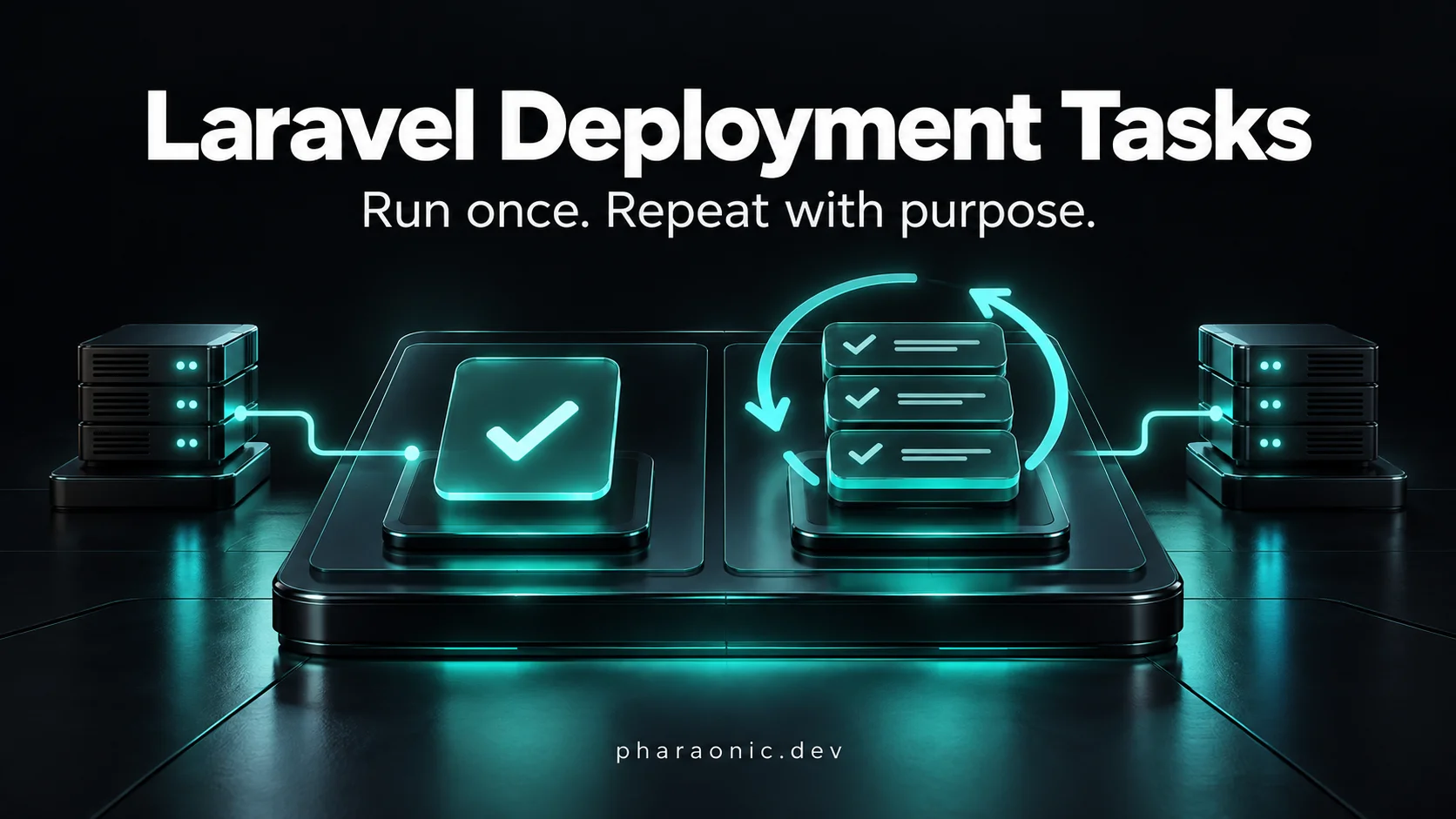
How to Run One-Time and Repeatable Tasks After Laravel Deployment
Run Laravel deployment tasks once or on every deploy, track execution, coordinate servers, and understand queued jobs and rollback with practical examples.
On this page
A release adds a column, backfills existing products, and rebuilds a search index. The next deployment should skip the backfill but still refresh each server's runtime state.
The code is usually straightforward. Remembering what ran, deciding what should run again, and coordinating servers is the harder part.
Quick Answer / TL;DR: Use migrations for schema changes and Artisan commands or jobs for application work. When deployment needs execution history, track tasks explicitly: one-time tasks skip recorded successes, while repeatable tasks run whenever the deployment runner is called.
#Start with a Deployment Script
Laravel's deployment tools and Artisan commands already cover many release steps:
1set -e2 3php artisan migrate --force4php artisan app:backfill-ratings5php artisan optimizeHere, app:backfill-ratings is an application command you write. A small backfill might contain:
1use App\Models\Product;2 3Product::query()4 ->whereNull('rating_score')5 ->update(['rating_score' => 0]);Assume the migration has already added a nullable rating_score column and zero is the intended initial value. Filtering missing values makes this update safe to repeat without overwriting existing scores.
For one small operation, an idempotent command can be enough. But leaving it in the deploy script runs it on every release; removing it makes the script stop describing that release's work. Multiple servers add another question: who executes the shared task?
A task ledger gives those decisions a permanent home in application code.
#Create a Tracked One-Time Task
Pharaonic Laravel Executor stores deployment tasks in timestamped PHP files and records successful runs in the database.
The examples below use the Laravel 13 package line, which requires PHP 8.3–8.5. Check the package's requirements if your application uses an older Laravel release.
1composer require pharaonic/laravel-executor2php artisan migrate3php artisan make:executor BackfillRatingsThe package loads its table migration automatically. Replace the generated file's contents in executors/ with:
1<?php 2 3use App\Models\Product; 4use Pharaonic\Laravel\Executor\Classes\Executor; 5use Pharaonic\Laravel\Executor\Enums\ExecutorType; 6 7return new class () extends Executor { 8 public $type = ExecutorType::ONCE; 9 10 public $tags = ['ratings'];11 12 public function up(): void13 {14 Product::query()15 ->whereNull('rating_score')16 ->update(['rating_score' => 0]);17 }18 19 public function down(): void20 {21 // Original values are not retained; use a corrective task if needed.22 }23};Run it and inspect the result:
1php artisan execute2php artisan execute:statusRun execute again: the recorded ONCE task is skipped. Keep its timestamped filename stable; it identifies the task.
Recorded once does not mean arbitrary side effects can happen exactly once. If work succeeds but the process stops before saving its record, a retry can repeat that work. Keep tasks idempotent, as the filtered update above is.
#Repeat Work on Every Deployment
Create another executor:
1php artisan make:executor OptimizeRuntimeReplace its contents with:
1<?php 2 3use Pharaonic\Laravel\Executor\Classes\Executor; 4use Pharaonic\Laravel\Executor\Enums\ExecutorType; 5 6return new class () extends Executor { 7 public $type = ExecutorType::ALWAYS; 8 9 public function up(): void10 {11 if ($this->command('optimize') !== 0) {12 throw new RuntimeException('Application optimization failed.');13 }14 }15 16 public function down(): void17 {18 if ($this->command('optimize:clear') !== 0) {19 throw new RuntimeException('Clearing optimization failed.');20 }21 }22};ALWAYS means every invocation of execute, so call the runner during each deployment. $this->command() returns an exit code; throwing on failure prevents the executor from being recorded as successful.
Your deployment steps now become:
1set -e2 3php artisan migrate --force4php artisan executeKeep the other steps your application needs, including restarting long-running workers when deploying new code.
#Queue Expensive Work Without Blocking the Release
Inside an executor's up(), dispatch an existing application job:
1$this->job(\App\Jobs\RebuildSearchIndex::class)2 ->onQueue('search');The job must implement Laravel's ShouldQueue contract to be queued, and a worker must consume that queue using an asynchronous connection. See Laravel's queue documentation.
The executor records successful dispatch, not successful completion of the background job. Job failures and retries remain the queue's responsibility. If the release requires the rebuilt index immediately, dispatching it alone is insufficient.
#Coordinate Multiple Servers
Servers must share the executors database and a cache store that supports shared locks. For example, with Redis configured:
1EXECUTOR_LOCK_STORE=redis2EXECUTOR_LOCK_SECONDS=600execute takes a cache lock before reading execution history. The next server waits, then skips ONCE tasks already recorded by the first. Use the same cache namespace on every server and set the lock duration longer than the whole execution run; an expired lock can allow overlap.
For work limited to particular machines, add this property to an executor:
1public $servers = ['10.0.0.11', '10.0.0.12'];ONCE still means once across the shared database, on the first eligible server. Use ALWAYS and invoke execute on each eligible server when every machine needs its own work.
#Select Tasks and Roll Back Deliberately
Tags let you run a smaller group:
1php artisan execute --tags=ratingsTasks first executed in the same invocation share a batch. Existing ALWAYS tasks retain their original batch while their execution count increases.
1php artisan execute:rollback2php artisan execute:rollback --steps=3These commands call down() for the selected batches and delete their records, allowing those tasks to run again. They do not undo queued jobs or automatically reverse data changes. Our backfill leaves down() empty because clearing every score would also destroy unrelated values.
Rollback runs on the machine where you invoke it, including tasks targeted to other servers. Choose that machine deliberately and review the batch before running it.
#How Does It Compare with One-Time Operations?
One-Time Operations for Laravel is an established alternative with substantially broader adoption, as its Packagist statistics show. It already supports tags, synchronous or queued operations, status inspection, and command isolation.
The useful distinction is how each package models deployment work:
| Requirement | One-Time Operations | Pharaonic Executor |
|---|---|---|
| Track completed one-time work | Recorded operations | ExecutorType::ONCE |
| Run work on every runner invocation | Documented model centers on one-time operations | ExecutorType::ALWAYS |
| Background work | Operations can themselves run asynchronously | Executors dispatch application jobs with $this->job() |
| Select groups | --tag | --tags |
| Coordinate runners | Opt-in --isolated | Lock taken by execute with a supporting cache store |
| Reverse a batch | No documented batch rollback command | down() and execute:rollback |
| Limit work to server IPs | No documented server-list property | $servers |
This compares documented workflows, not what custom PHP code could implement. Command isolation also does not by itself guarantee exactly-once background processing.
Choose One-Time Operations when its one-time, optionally asynchronous operation model matches your release process. Choose Executor when one-time and repeatable work, explicit reversals, and server targeting belong in the same workflow.
For a handful of harmless, repeatable commands, a deployment script remains a good choice. Add tracked tasks when execution history starts affecting whether a release is correct. The Executor documentation covers configuration and the full command reference.
Related Packages
Related Guides
How to Use Tagify with Livewire 4 Without Manual Synchronization
Integrate Tagify with Livewire 4, keep client and server state synchronized, and replace fragile lifecycle code with a focused integration.

How to Use Select2 with Livewire 4
Learn how to integrate Select2 with Livewire 4, synchronize values, handle wire:ignore, dynamic options, and avoid common DOM update problems.
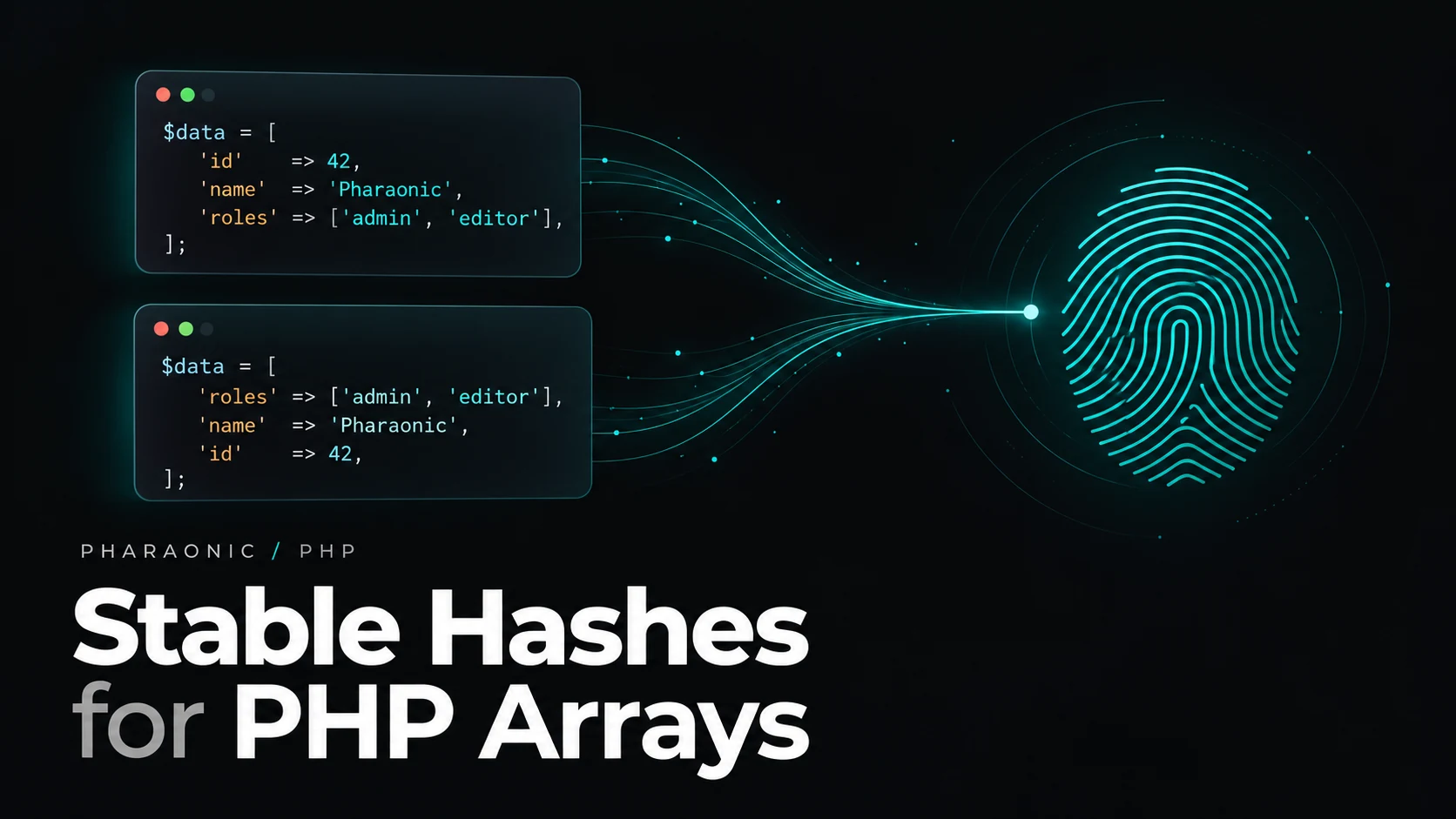
How to Generate a Stable Hash for PHP Arrays
Learn how to generate deterministic hashes for PHP arrays, normalize nested data, avoid key-order issues, and create reliable structured-data fingerprints.