Livewire
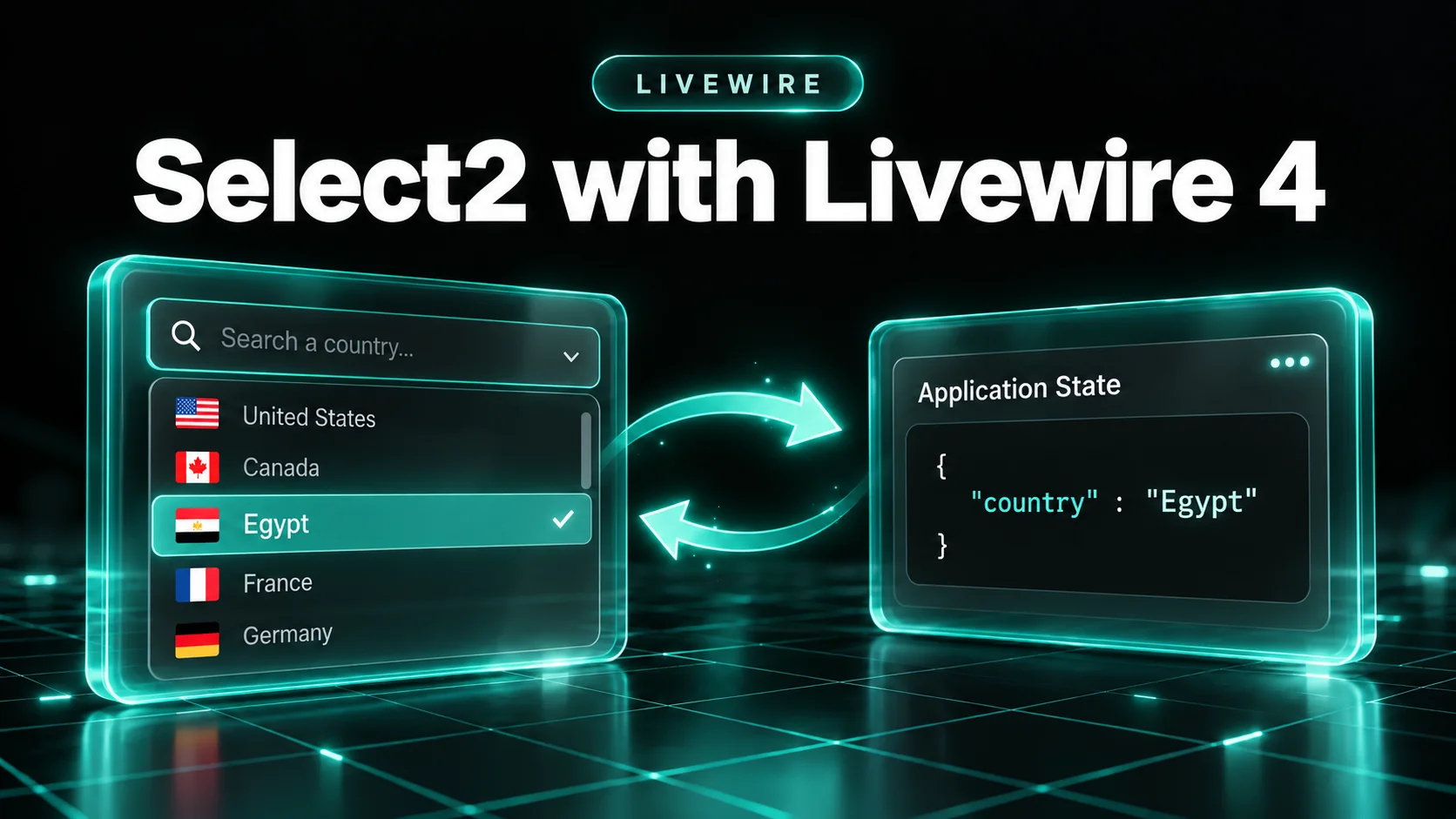
How to Use Select2 with Livewire 4
Learn how to integrate Select2 with Livewire 4, synchronize values, handle wire:ignore, dynamic options, and avoid common DOM update problems.
Livewire Select2 turns any <select> in a Livewire component into a Select2 widget bound to a property in both directions. Rows added with wire:click, dependent dropdowns, nested components, and modals keep working without custom JavaScript.
One attribute on the select, one directive in the layout.
User choices reach the property, and server-side changes reach the widget, with no echo requests.
Use wire:model with its modifiers, and short attributes such as data-tags and data-clear.
New rows mount, removed ones clean up, and selects with new options from the server are rebuilt.
Each select binds to the component around it; data-component-id is optional.
data-image on an option for flags or avatars, or data-template with a function you name once.
Loads with @livewireSelect2Scripts, or as an ES module for Vite and other bundlers.
Mark the select and bind it; the widget follows the property both ways.
1<div wire:ignore>2 <select data-pharaonic="select2" wire:model="country"3 data-placeholder="Choose a country" data-clear>4 <option value=""></option>5 @foreach ($countries as $id => $name)6 <option value="{{ $id }}">{{ $name }}</option>7 @endforeach8 </select>9</div>Quick answers about installing and using Select2.
Select2 for Livewire components, with two-way wire:model binding, dynamic and dependent selects, templates, and automatic cleanup. It's a free, open-source Livewire package by Pharaonic.
Run composer require pharaonic/livewire-select2 in your project's root directory, then add @livewireSelect2Scripts to your layout.
The latest release requires PHP 8.1+, Laravel 10 – 13 and Livewire 4. jQuery and Select2 are loaded by your application.
Every Livewire major has its own line, and Composer installs the one that matches your Livewire version. See the compatibility section of the documentation.
Give the ignored block of the dependent select a wire:key that changes with the parent value, or leave it outside wire:ignore. The documentation shows both.
Yes. Set window.jQuery and attach Select2 to it in your bundle, or import the package's ES module. No global $ is needed.
Yes. Select2 is open source under the MIT license, so you can use it in personal and commercial projects.
Read the Select2 documentation for setup, binding, options, templates, and examples.
Open an issue or a pull request on GitHub, or ask in the Pharaonic Discord.
Practical guides that use Livewire Select2, or solve the problem it was built for.
Learn how to integrate Select2 with Livewire 4, synchronize values, handle wire:ignore, dynamic options, and avoid common DOM update problems.
Read the full documentation for installation, binding, shorthand attributes and Select2 options, templates and callbacks, dynamic and dependent selects, upgrading from 1.2, and examples.